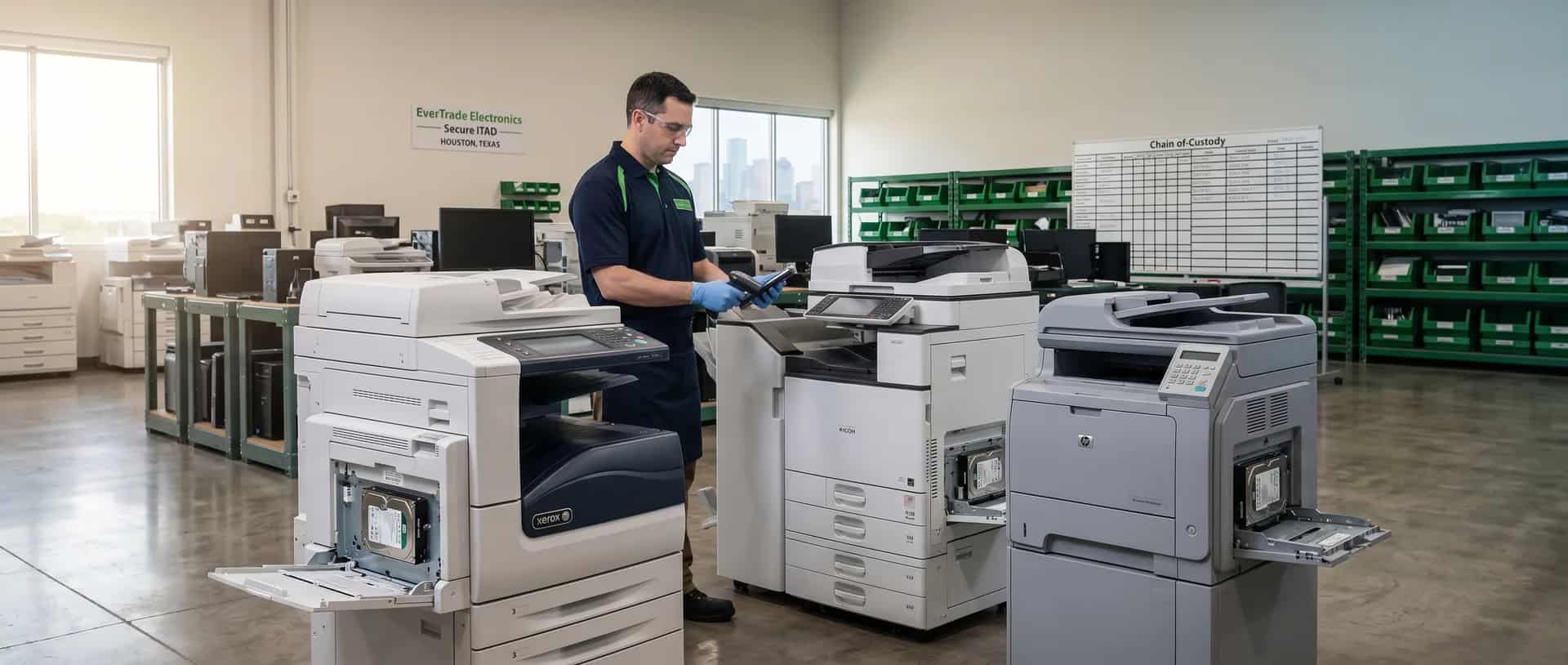
Free Printer Recycling in Houston & Sugar Land
Drop off your old printers for free, or schedule a business pickup. We accept all printer types, inkjet, laser, copiers, and more.
Printer Recycling at a Glance
Free Drop-Off
No fees for printer recycling. Drop off any printer type at no cost.
Landfill Diversion
All printers are de-manufactured and recycled. Downstream routing is documented.
Business Pickup
On-site pickup for bulk loads: qualifying volumes.
Printers We Accept
We recycle all types of printers, copiers, scanners, and accessories, regardless of brand, age, or condition.
Inkjet Printers
All brands including ink cartridges
Laser Printers
Personal and office laser printers
Multifunction Printers
Print, copy, scan, fax combos
Commercial Copiers
Large office copier machines
Scanners
Flatbed and document scanners
Fax Machines
Standalone fax units
Dot Matrix Printers
Legacy impact printers
Thermal Printers
Receipt and label printers
Large Format Printers
Plotters and wide-format devices
Toner Cartridges
Full or empty cartridges
Ink Cartridges
All brands accepted
3D Printers
Consumer and commercial 3D printers
All Brands Accepted
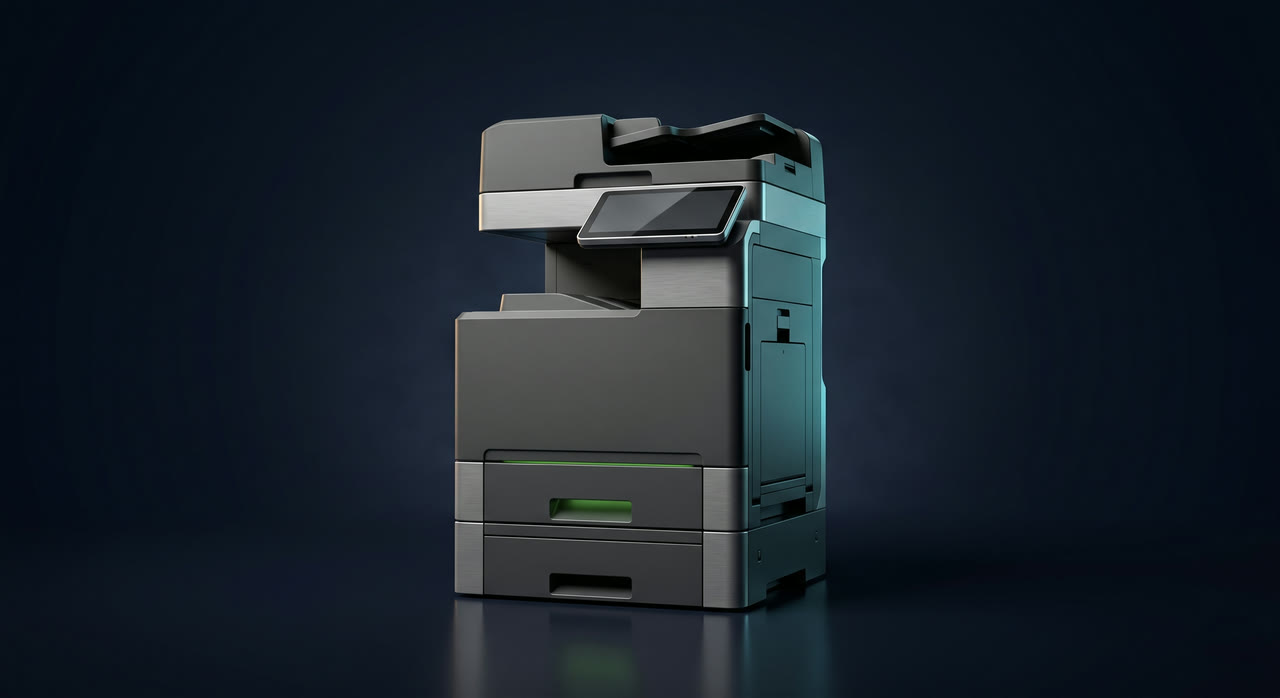
Every Printer Hides a Hard Drive
We document the chain of custody end to end.
Data Security for Printers & Copiers
Networked MFPs and copiers contain an internal HDD/SSD that retains every job. Under HIPAA and NIST 800-88 it is covered storage media. Our workflow:
- 1. Logged & TaggedAsset serial captured at intake
- 2. Drive IsolatedInternal HDD/SSD identified
- 3. DestroyedDestroyed, or NIST 800-88 secure erase
- 4. COD IssuedDrive listed on certificate
Returning a leased copier? Drive must be pulled before it leaves your building. For qualifying jobs we can remove the drive at your site and wipe it at our Sugar Land facility, so the chassis can go back on schedule. Schedule a drive-removal visit.
Residential & Business Options
Why Recycle Your Printer?
Printers contain valuable materials that can be recovered and reused, as well as hazardous components that shouldn't end up in landfills.
- Recover Metals: Copper, aluminum, and steel are extracted and recycled
- Reclaim Plastics: High-grade plastics are processed for reuse
- Prevent Pollution: Toner and ink residue is properly disposed of
- Reduce E-Waste: Keep electronics out of landfills
Did you know? Over 350 million ink and toner cartridges end up in landfills every year. Recycling your old printer helps reduce this waste.
Drop-Off Location
EverTrade Electronics
Hours:
Mon-Fri: 9 AM – 4:00 PM
Saturday: By appointment
Sunday: Closed (outside drop-off bin available)
Frequently Asked Questions
Is printer recycling really free?
Yes! We accept all printers, copiers, scanners, and fax machines at no charge. Unlike some recyclers, we don't charge disposal fees for printers.
Do you accept toner cartridges?
Yes, we accept both toner and ink cartridges, full, empty, or expired. You can drop them off with your printer or separately.
What about broken printers?
Absolutely! We accept printers in any condition, working, broken, outdated, or damaged. All are recycled responsibly.
Do I need an appointment?
No appointment needed for residential drop-offs. Just drive up during business hours. For business pickups, contact us to schedule.
Do office printers and copiers really store sensitive data?
Yes. Networked MFPs and copiers contain an internal hard drive or SSD that retains copies of documents the machine has printed, scanned, copied, faxed, or emailed. Under HIPAA and NIST 800-88, that drive is covered storage media, just like a laptop hard drive.
How do you handle the hard drive inside a copier?
Two options. We can pull the drive and physically destroy it (best for HIPAA-grade documentation), or run the OEM's built-in secure-erase procedure (NIST 800-88 Clear/Purge). Either way, the method and spec are recorded on your Certificate of Destruction.
Can I get a Certificate of Destruction for a printer drive?
Yes. The printer and its internal drive each get their own line item on the COD with serial numbers, destruction method, and sanitization spec. This is the documentation healthcare, legal, and financial customers need for HIPAA and audit compliance.
We're returning a leased copier. What about the drive?
Wipe or pull the drive before the unit leaves your building, otherwise you lose chain of custody. For qualifying jobs we can remove the drive at your site and bring it to our Sugar Land facility for wiping, so the chassis can go back on schedule and you receive a Certificate of Destruction once it is processed.
Related Glossary Terms
E-Waste
Electronic waste (e-waste) is any unwanted electronic device or accessory. Examples include computers, monitors, phones, printers, and cables.
ProcessesMaterial Recovery
Material recovery separates useful raw materials from recycled electronics. These materials can include gold, silver, palladium, copper, aluminum, and plastic.
Data SecurityData Sanitization
Data sanitization permanently removes or destroys data on a storage device. The goal is to prevent anyone from recovering the information.
ComplianceTCEQ Reporting
The Texas Commission on Environmental Quality (TCEQ) oversees electronic waste management in Texas. Registered recyclers may have to report volumes and final destinations.
Ready to Recycle Your Printer?
Drop off your old printers for free, or schedule a business pickup. It's easy, free, and good for the environment.