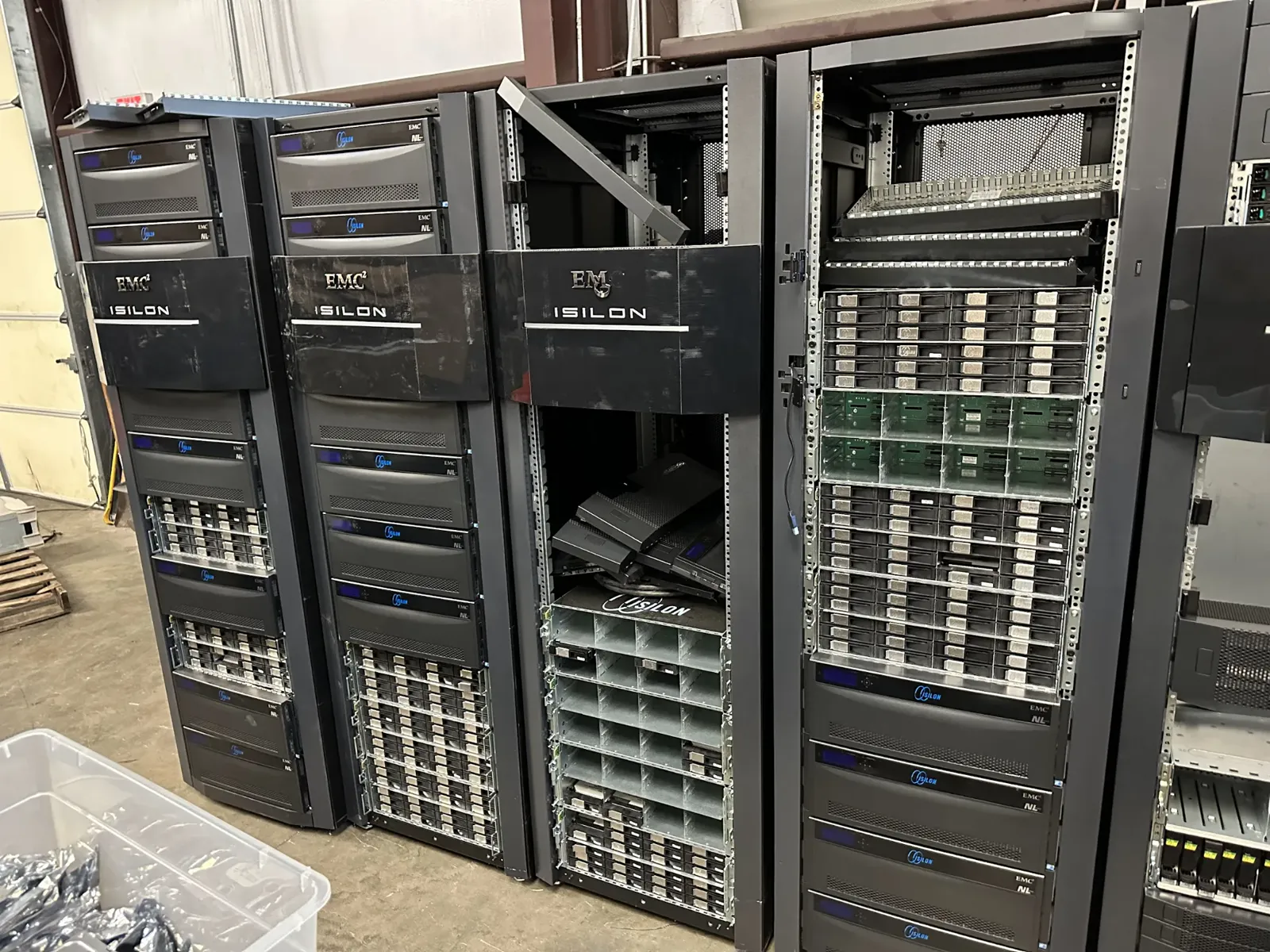
Moving to the cloud? Consolidating facilities? Closing an office? Data center decommissioning is a complex project with serious security, compliance, and environmental implications. Use this checklist to make sure nothing falls through the cracks.
Phase 1: Planning & Assessment (4-8 Weeks Before)
Assemble Your Team
- ✅ Assign a project manager to own the decommissioning
- ✅ Involve IT, security, compliance, and facilities
- ✅ Engage your ITAD partner early, ideally one offering full data center decommissioning (that's where we come in, with ITAD in Houston)
- ✅ Notify your data center provider or landlord of timeline
Complete Asset Inventory
Document every piece of equipment in the space. This sounds tedious but it's critical for security tracking and a complete chain of custody:
- ✅ Servers, make, model, serial number, specs (CPU, RAM, storage)
- ✅ Storage arrays and NAS devices
- ✅ Network equipment, switches, routers, firewalls, load balancers
- ✅ UPS systems and PDUs
- ✅ Cabling, fiber, copper, power cables
- ✅ Racks and cabinets
- ✅ Peripheral equipment, KVM switches, console servers, environmental monitors
Identify Data-Bearing Devices
Flag every device that stores data. This is usually more than you think:
- Server hard drives and SSDs (including RAID arrays)
- SAN and NAS storage
- Backup tapes and appliances
- Network device flash memory (configs, logs)
- Out-of-band management controllers (iDRAC, iLO)
Review Compliance Requirements
- ✅ What regulations apply? (HIPAA, PCI-DSS, SOX, GLBA, FERPA)
- ✅ What data destruction standard is required? (NIST SP 800-88 Rev. 2 recommended)
- ✅ What documentation do you need to retain?
- ✅ Are there contractual obligations with clients about data handling?
Learn about NIST SP 800-88 Rev. 2 data destruction standards →
Phase 2: Data Migration & Backup (2-4 Weeks Before)
- ✅ Verify all data has been migrated to new infrastructure
- ✅ Confirm backups of critical systems are complete and tested
- ✅ Document any systems that will be fully retired (not migrated)
- ✅ Test new infrastructure under production load before decommissioning
- ✅ Update DNS records, IP addresses, and firewall rules
- ✅ Plan for a rollback window in case issues arise post-migration
Phase 3: Decommissioning (Execution Day)
Shutdown Sequence
- Applications, graceful shutdown of all services
- Databases, clean shutdown, verify final backups
- Servers, power down after confirming all services stopped
- Storage, disconnect after server shutdown
- Network, last to go down
- Power, UPS and PDU disconnect
Physical Removal
- ✅ Label all equipment with asset tags matching your inventory
- ✅ Photograph equipment in racks before removal (for documentation)
- ✅ Disconnect and organize cabling
- ✅ Secure all loose drives, don't let any walk away
- ✅ Maintain chain of custody from rack to transport
Phase 4: Data Destruction
This is the most critical phase from a security and compliance perspective.
- ✅ All data-bearing media identified and accounted for
- ✅ Destruction method selected per media type and compliance requirements
- ✅ NIST SP 800-88 Rev. 2 Purge, for drives leaving your organization's control
- ✅ NIST SP 800-88 Rev. 2 aligned for the drives in the job
- ✅ Certificates of Destruction issued per drive with serial numbers
- ✅ Destruction records reconciled against your asset inventory by your team
Our secure data destruction process →
Phase 5: Asset Disposition
After data is securely destroyed, equipment goes through disposition:
- Material Recovery, metals and other materials are recovered through documented downstream recycling partners.
- Material Recycling, remaining materials are processed through downstream recycling facilities.
Estimate your decommissioning savings →
Phase 6: Documentation & Closure
- ✅ Compile all Certificates of Destruction
- ✅ Complete asset disposition report with final status of each item
- ✅ File chain of custody documentation
- ✅ Update asset management system, mark all items as disposed
- ✅ Cancel colocation, maintenance, and licensing contracts
- ✅ Return access credentials and keys to facility
- ✅ Close out project and conduct lessons-learned review
Common Data Center Decommissioning Mistakes
- Rushing the inventory, missed drives mean untracked data
- Forgetting about tape backups, those boxes of old tapes in the corner
- No chain of custody, equipment going to "somewhere" with no tracking
- Skipping out-of-band management, iDRAC and iLO cards store credentials
- Not involving compliance early, discovering requirements after the fact
- Underestimating timeline, plan for 2x your initial estimate
How EverTrade Makes Decommissioning Easy
We've helped Houston businesses of all sizes decommission IT infrastructure. Our service includes:
- On-site pickup for qualifying quantities, we come to your data center or server room
- Complete inventory support, we'll help catalog everything
- NIST SP 800-88 Rev. 2 aligned data destruction with full documentation
- Documented downstream recycling, for everything we collect
- Single point of contact, one vendor for the entire process
Planning a Data Center Decommission?
Call (832) 777-3002 to discuss your project. We'll help you plan the process, schedule pickup for qualifying loads, and handle everything from data destruction to final recycling.
Get Started →